Presence Trigger
Presence Trigger
mmWave presence detection for tools and stations without a power cord.
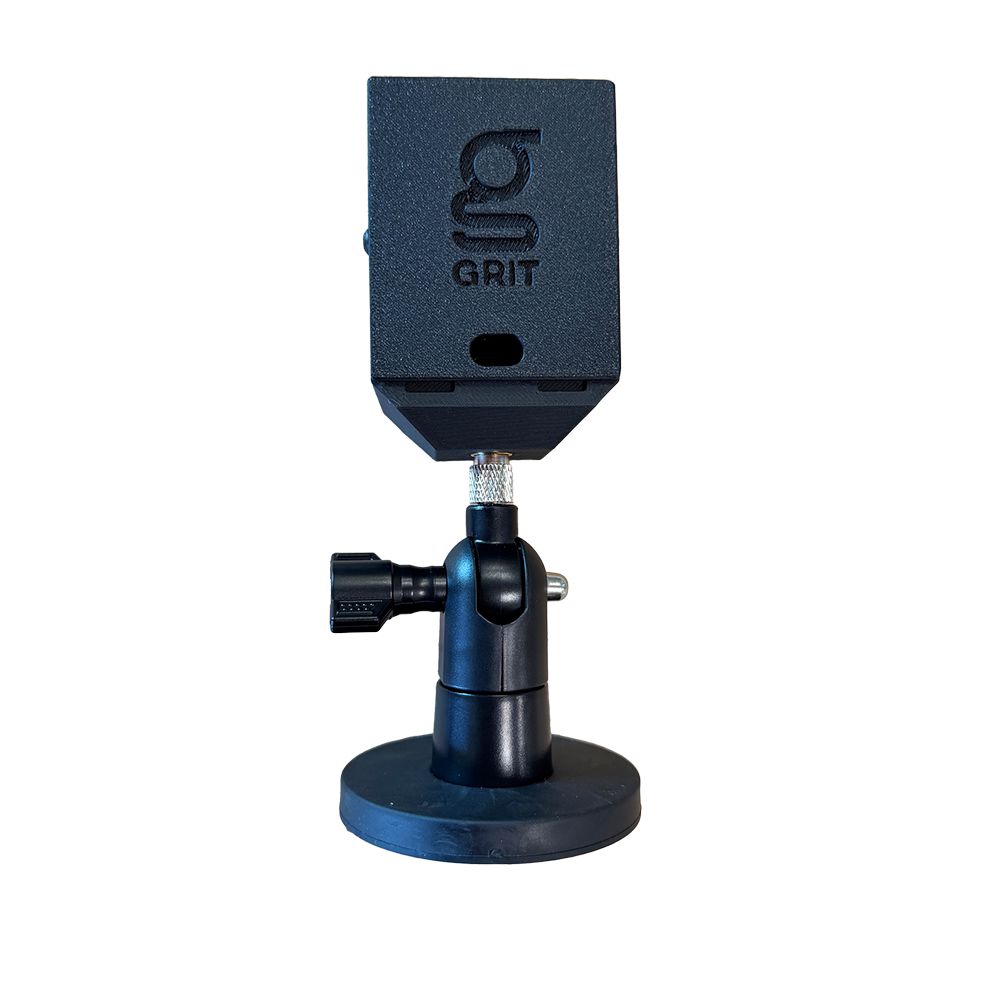
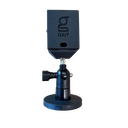
The Presence Trigger uses 24GHz radar to detect when an operator is standing at a workstation, even if they are stationary. No current sensing, no contact with the tool. When presence is detected, the Hub opens blast gates, starts the collector, and logs the session. When the operator walks away, the system shuts down automatically. Built for hand sanding stations, pneumatic tools, assembly benches, and welding stations where current-sensing Triggers cannot be used.
Key Features
- mmWave radar: Detects human presence, including stationary occupants
- Configurable detection zones: Adjust range and sensitivity through the GRIT app to avoid false triggers from adjacent stations or walkways
- Non-electric tool support: Automates dust collection and access logging for stations with no detectable current draw
- Solenoid pairing: Pair with the GRIT Solenoid Control (GA-SC1001) to automate gas supply valves for welding stations
- Access control logging: Logs who was present, when, and for how long, with the same reporting as current-sensing Triggers
- Status LED: RGB LED shows active, idle, or locked at a glance
Specifications
- SKU GA-TR8000
- Detection 24GHz mmWave radar
- Range Configurable up to 6 m
- Power 5V–24V DC
- Connectivity GRIT Mesh Network
- Status RGB LED
In the Box
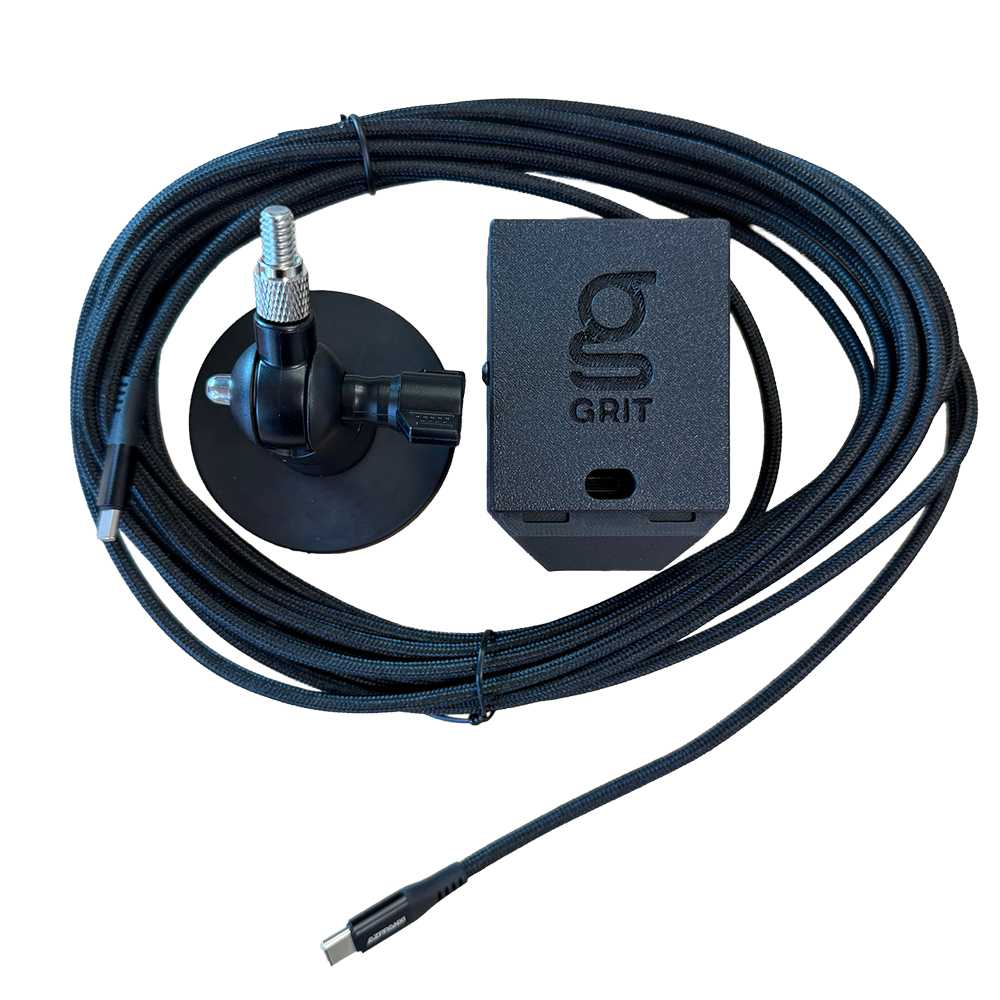
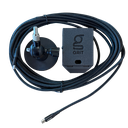
- 1x GRIT Presence Trigger (GA-TR8000)
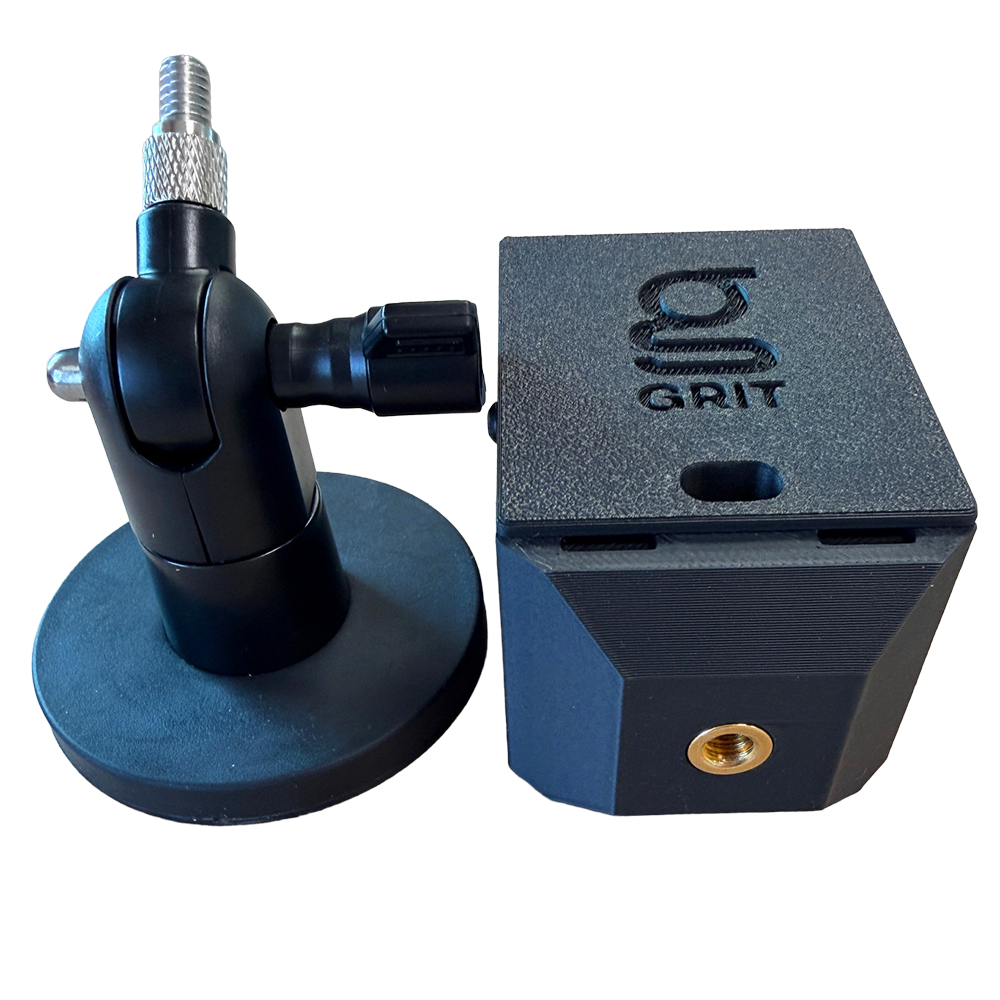
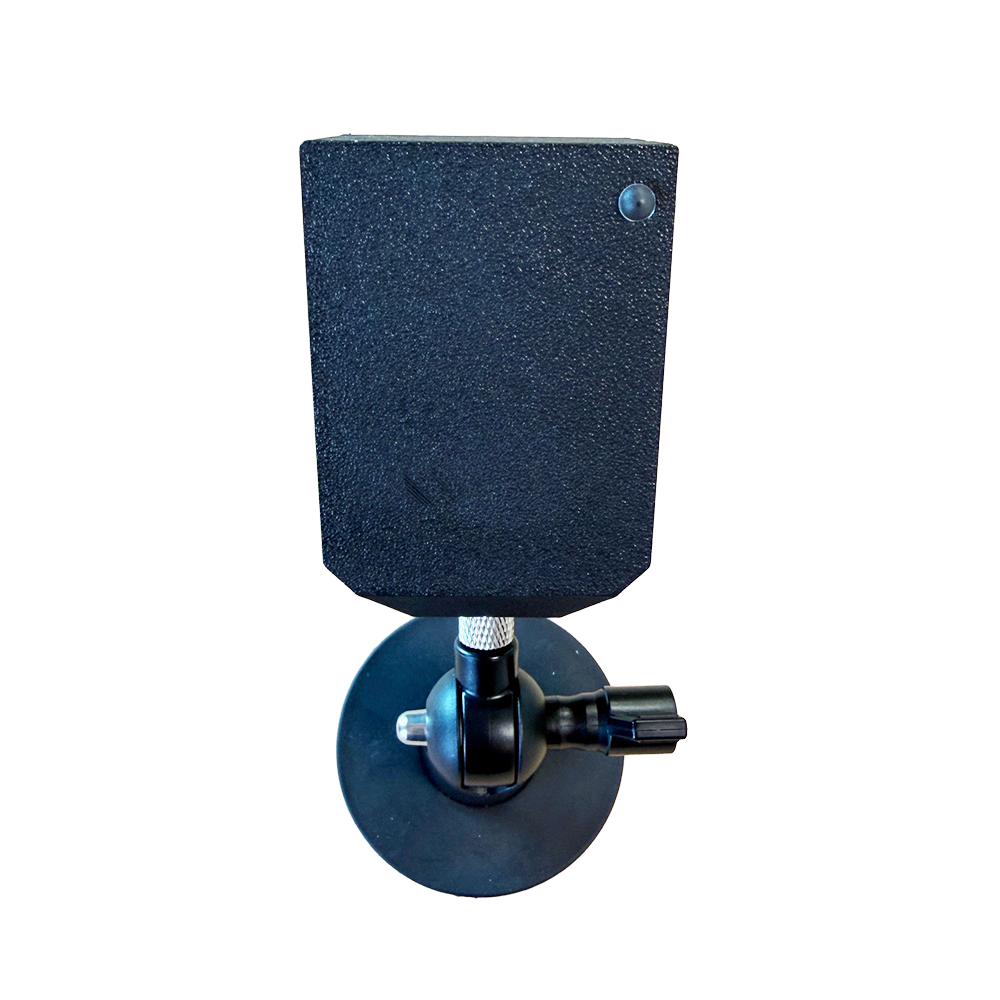
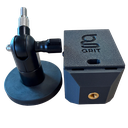
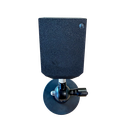
- 1x adjustable magnetic mount
- 1x 20 ft USB-C power cable
- 1x 120V wall power adapter
Compatibility
Works with any GRIT Hub system. Pair with GRIT Gates and Collectors for automated dust collection at non-electric stations. Pair with the GRIT Solenoid Control (GA-SC1001) to automate gas supply valves for welding: the control opens the valve when presence is detected and shuts it off when the operator walks away. Hub Pro required for RFiD access control and multi-zone systems. Use a standard, Heavy Duty, or Industrial Trigger on electric tools where current detection is available.
Installation
Use the included adjustable magnetic mount to position the Trigger near the tool station with a clear view of the work area. Connect the supplied 20 ft USB-C cable and 120V wall power adapter, then pair with the Hub through the GRIT app. Adjust the detection zone to cover the station footprint without picking up adjacent areas or walkways. View the Presence Trigger installation guide.
*GRIT Hub is required for device functionality.
Important Notes
Adjust the detection zone through the GRIT app after installation to avoid false triggers from foot traffic or neighboring stations. mmWave radar passes through non-metallic enclosures but is reflected by metal surfaces. Mount with a clear view of the work area. Systems with GRIT Track require a software upgrade (+25%). Contact us before ordering so we can configure your devices.